
Inbox triage
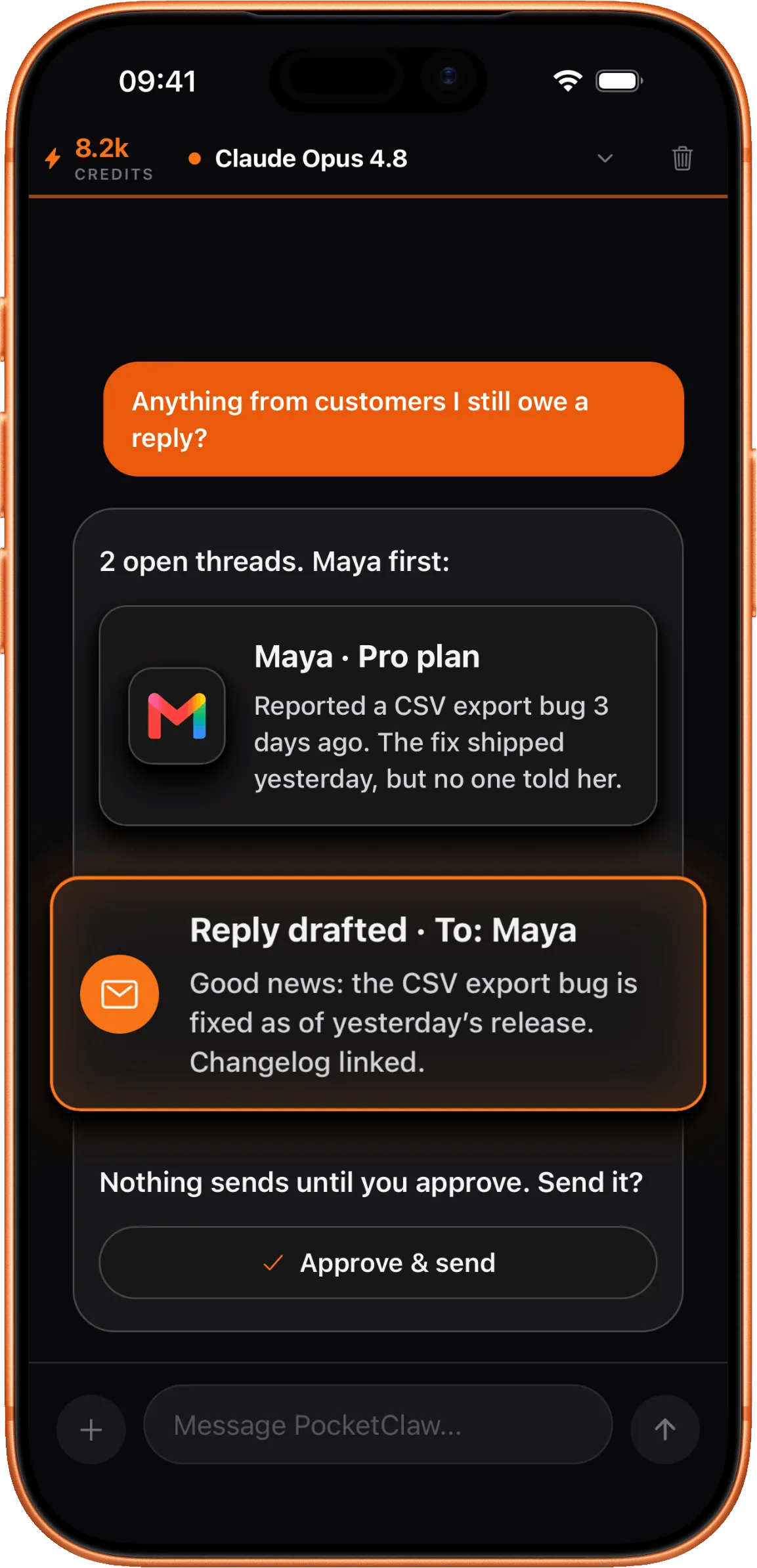
Inbox triage means deciding what each incoming message needs before you spend time on it. PocketClaw reads your inbox, groups messages by what they actually require, and handles the routine ones. It answers questions it can already answer from your past replies and your connected tools, drafts responses for the rest in your voice, and flags the ones that genuinely need you to decide something. You review a queue of prepared work instead of an undifferentiated list of unread mail. Nothing sends until you approve it, so a wrong draft costs you a correction rather than an apology to a customer.
How it works, step by step
It groups by what each message needs
A support question, an invoice, a scheduling request, and a sales pitch need different things from you. PocketClaw sorts incoming mail by what it requires rather than by when it arrived.
It answers what it already knows
For repeat questions, PocketClaw pulls the answer from your connected tools and from how you have replied before. It writes the response and holds it for you.
It drafts the rest in your voice
For messages that need a real answer, PocketClaw prepares a draft that reads like you wrote it. You edit what you want to change. It learns from the edits you make.
It tells you what it could not decide
Anything involving a commitment, a refund, a price, or a decision only you can make gets flagged rather than drafted. PocketClaw says why it stopped.
What it looks like
Get PocketClaw
Have PocketClaw run this from your phone. It reads across your connected tools and prepares the work, and nothing sends until you approve it.

Common questions
- Does it reply to customers on its own?
- No. Every reply waits for your approval before it sends. PocketClaw prepares the work, you decide what goes out.
- How does it know my voice?
- It reads how you have replied in the past and follows that. When you edit a draft, it keeps the correction and applies it next time.
- Which inboxes does it work with?
- Gmail and Outlook for email, plus Zendesk and Intercom if you run customer conversations there. You connect only the ones you want it to read.